Google for Education: Tools, Platforms, and How Schools Use It
When you think of Google for Education, a suite of free digital tools designed to help schools teach, collaborate, and manage learning. Also known as G Suite for Education, it’s what millions of teachers and students rely on every day to turn laptops and tablets into real classrooms. It’s not just about Gmail or Docs—it’s about how those tools are built into a system that works for schools, not tech companies.
At its core, Google Classroom, a simple platform where teachers post assignments, give feedback, and grade work all in one place is the backbone of modern digital learning. Teachers don’t need to be tech experts to use it. They can create a class in under a minute, share a link, and students join instantly. No logins, no confusion. Behind the scenes, Google Meet, a video tool built into Classroom that lets teachers hold live lessons or office hours makes remote learning possible without extra software. And because everything saves to Google Drive, the cloud storage system that keeps all student work safe and organized, there’s no lost homework or forgotten USB drives.
What makes Google for Education different from other platforms? It’s free. No subscriptions. No hidden fees. Schools get full access to Docs, Sheets, Slides, Forms, and more—all with built-in collaboration. Teachers use Google Forms to create quizzes that auto-grade. Students use Google Docs to write essays and get real-time feedback. Parents can even see assignments through shared links. It’s not magic—it’s smart design. And it works whether you’re in a school in Hamirpur or a village in Himachal Pradesh with slow internet.
The posts below show how this system is used in real classrooms. You’ll find guides on how to set up Google Classroom from scratch, how students use it to study for JEE or NEET, and even how teachers track progress without spending hours grading. Some posts compare it to other eLearning tools. Others break down why schools in India are switching to Google instead of expensive local platforms. You’ll see what works, what doesn’t, and how to avoid the common mistakes teachers make when they first start.
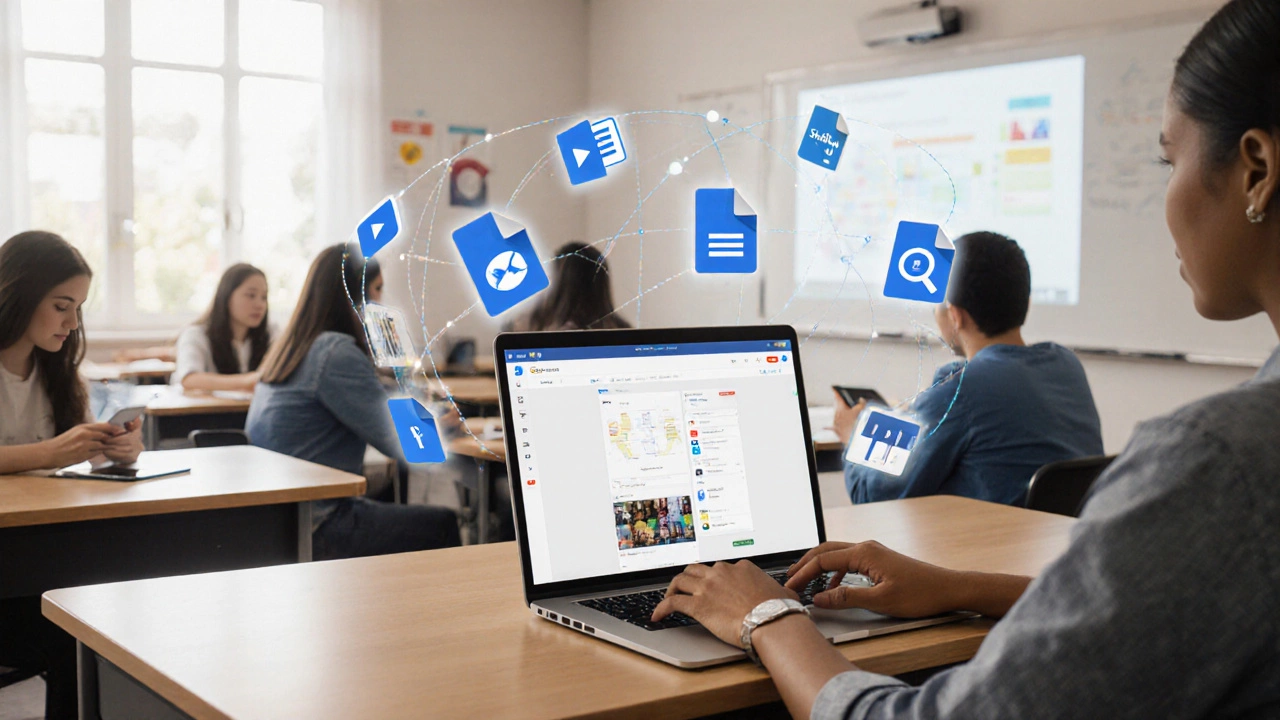
Google as an E‑Learning Platform: What You Need to Know
Explore how Google’s suite-Classroom, Meet, Docs, YouTube-functions as an e‑learning platform, its strengths, limits, and when to pair it with dedicated LMS tools.
view more