If you’ve ever thought about learning to code but didn’t know where to start, you’re not alone. Thousands of people jump into coding every year, hoping to build apps, fix websites, or even switch careers. But with so many platforms out there, picking the right one can feel overwhelming. The best platform for beginners isn’t the one with the fanciest features-it’s the one that makes you feel confident, not lost.
What makes a coding platform good for beginners?
Not all coding platforms are built the same. Some are designed for experienced developers who already know what they’re doing. Others are made for people who have never typed a line of code. The best beginner-friendly platforms share a few key traits:
- Interactive learning - You type code and see instant results. No waiting for a compiler to run.
- No setup required - You don’t need to install software, configure environments, or deal with error messages about missing libraries.
- Small, bite-sized lessons - Each lesson takes 5 to 15 minutes. You finish one, feel proud, then move on.
- Real projects early - You’re not just clicking buttons. You’re building actual things like a calculator, a to-do list, or a simple game.
- Friendly feedback - If you make a mistake, the platform tells you why in plain language, not in programmer jargon.
These aren’t luxury features. They’re the basics that keep you from quitting after the first hour.
Codecademy: The most popular starting point
Codecademy is probably the first name you’ll hear when asking about beginner coding platforms. It’s been around since 2011 and has helped over 70 million learners. Why? Because it’s simple.
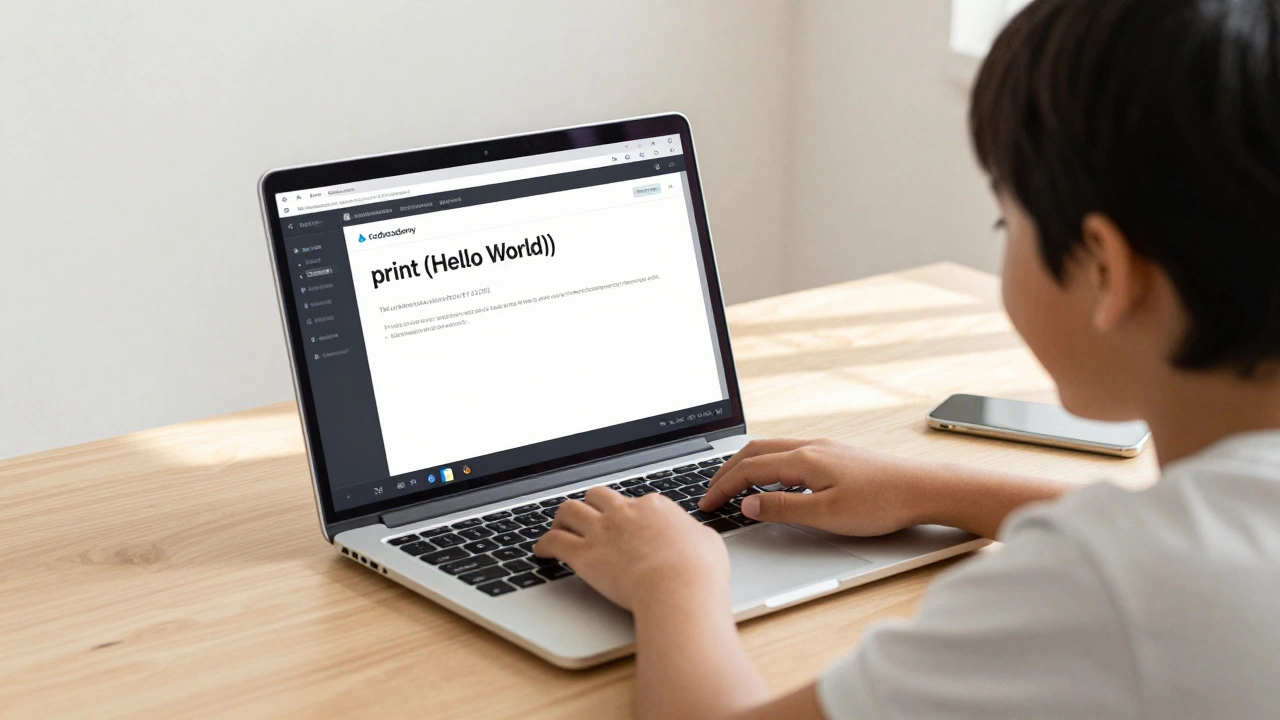
You open the site, pick a course-like Python, JavaScript, or HTML/CSS-and start typing right away. The editor is right there. You write print("Hello World"), hit run, and see "Hello World" appear below. No terminal. No command line. No confusion.
It walks you through each step. If you forget a semicolon or miss a bracket, it doesn’t just say "error." It says, "You forgot the closing quote. Try adding it after World." That kind of clarity matters a lot when you’re just starting.
Codecademy’s free tier gives you access to most introductory courses. The Pro version adds quizzes, projects, and career paths like "Web Developer" or "Data Analyst." For someone testing the waters, the free version is more than enough to find out if coding is even for you.
freeCodeCamp: Zero cost, full curriculum
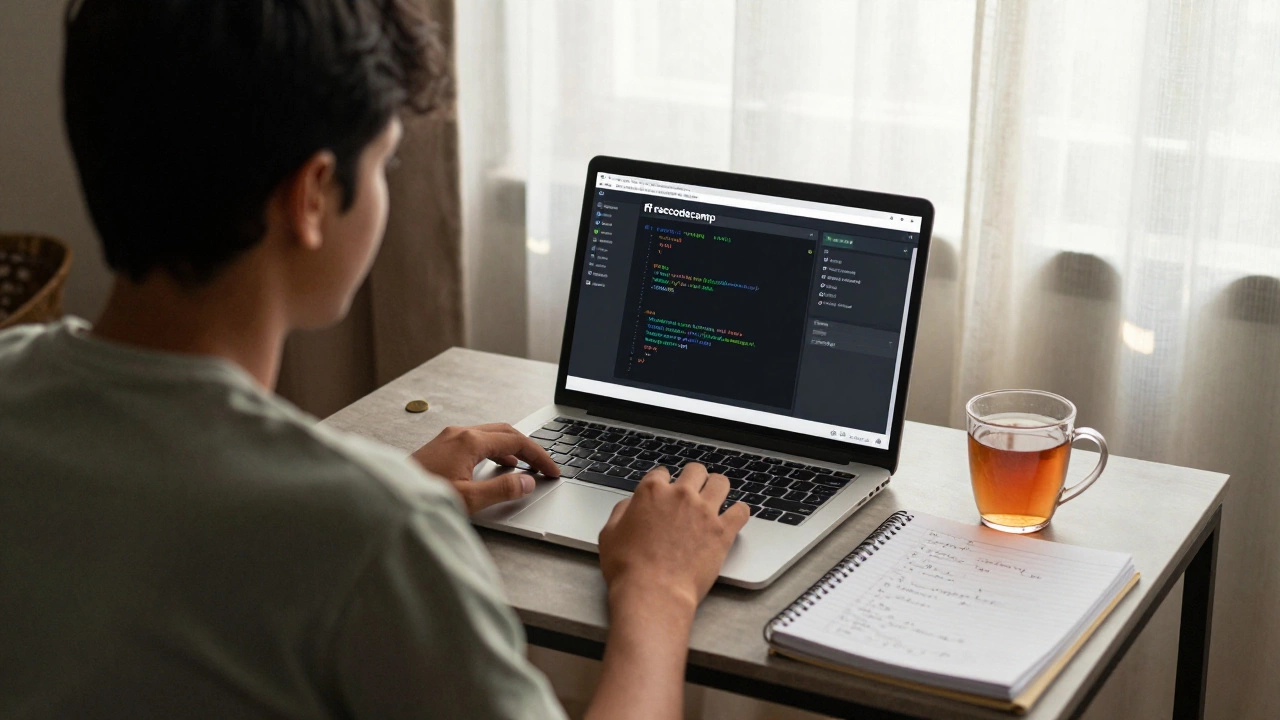
If you’re on a tight budget or just want to go all-in without paying a cent, freeCodeCamp is the real deal. It’s not flashy. It doesn’t have animated avatars or gamified progress bars. But it has something better: a complete, structured path from zero to job-ready.
freeCodeCamp’s curriculum is organized into sections: Responsive Web Design, JavaScript Algorithms, Data Visualization, and more. Each section ends with a real project you build and then publish online. By the time you finish the full 1,800-hour program, you’ll have a portfolio of 30+ projects-things like a weather app, a drum machine, or a tic-tac-toe game.
The platform uses real tools you’ll use in real jobs: HTML, CSS, JavaScript, React, Node.js, and SQL. You’re not learning in a sandbox-you’re learning how to build things that work on the internet.
And here’s the kicker: freeCodeCamp is nonprofit. It’s funded by donations and sponsorships. No subscriptions. No upsells. Just pure learning.
Scratch: For absolute beginners under 13 (or anyone who wants to play)
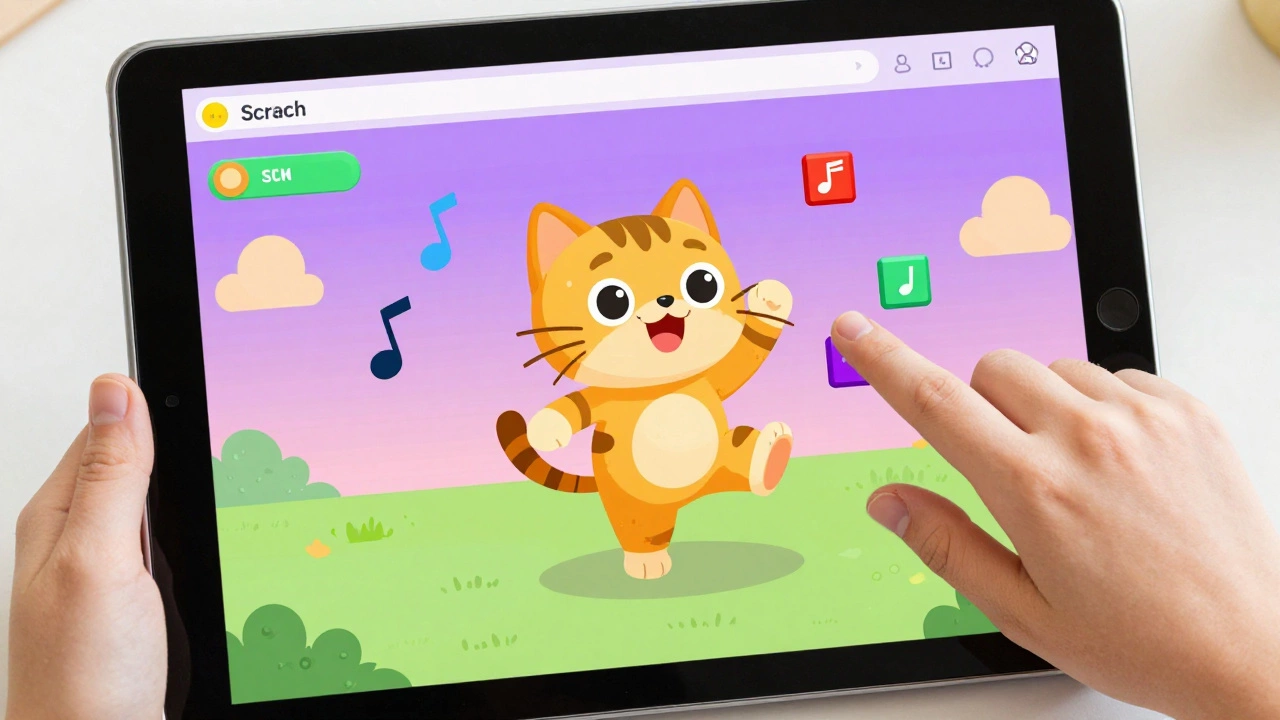
Not everyone starts with text-based code. Some people need to see code as visual blocks. That’s where Scratch comes in. Created by MIT in 2007, Scratch lets you drag and drop code blocks to make characters move, play sounds, or even create simple games.
It’s not "real" programming in the sense that you’re not writing Python or JavaScript. But it teaches the core ideas: loops, conditions, variables, and events. If you’ve ever wondered how a game makes a character jump when you press a key, Scratch shows you step by step.
It’s especially great for younger learners, but adults who feel intimidated by text-based code often find Scratch a relaxing way to build confidence. One user in Melbourne told me, "I tried Codecademy and got stuck on the first lesson. Then I tried Scratch. I made a cat that danced to music. I felt like a programmer for the first time."
Replit: Code in the browser, share instantly
Replit is different. It doesn’t teach you step-by-step like Codecademy or freeCodeCamp. Instead, it gives you a full coding environment in your browser-like a digital workspace where you can write, run, and share code in seconds.
It supports over 50 languages, including Python, Java, C++, and even Rust. But for beginners, the magic is in the "Hello World" template. One click, and you’re coding. No downloads. No setup. Just a clean editor and a live preview.
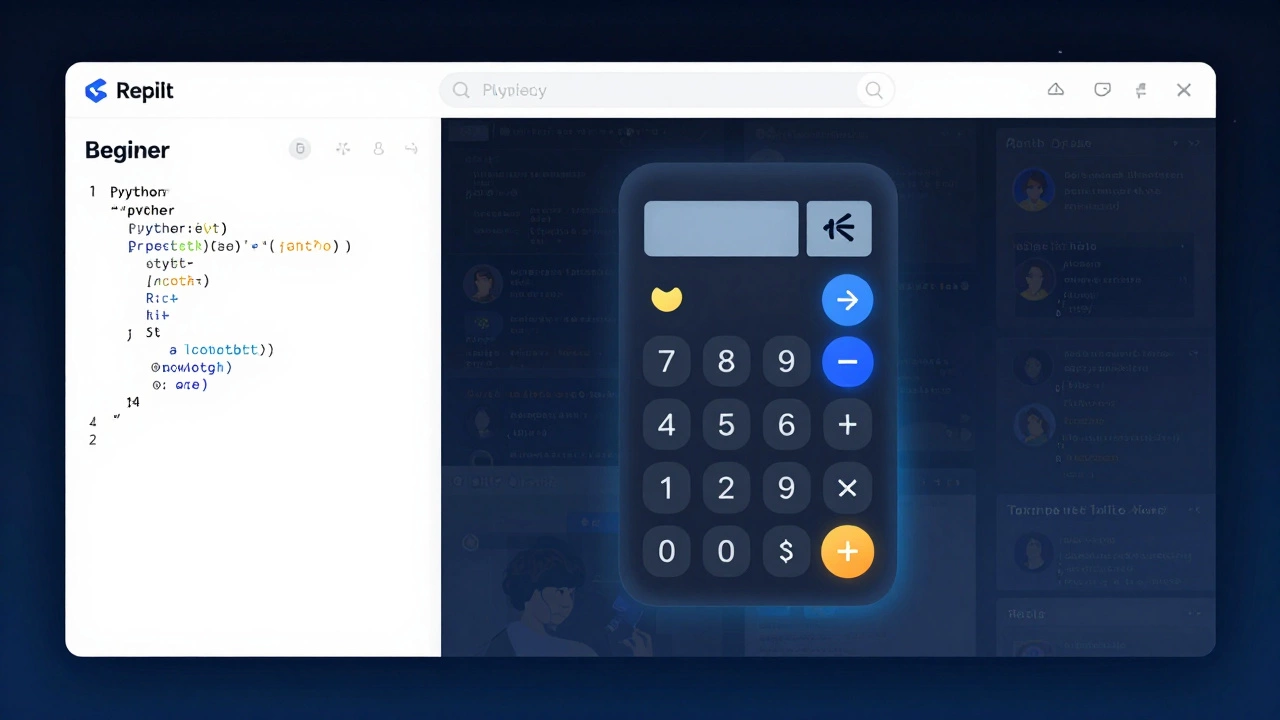
What makes Replit stand out is collaboration. You can invite a friend to code with you in real time. Or you can browse thousands of public projects made by other learners. Want to see how someone built a calculator? Click it. Read the code. Copy it. Change it. Learn from it.
Replit is perfect if you learn by doing, tinkering, and copying. It’s less about lessons and more about exploration.
GitHub Classroom: For schools and structured learning
GitHub isn’t just for professional developers. Its Classroom tool is used by high schools and colleges around the world to teach coding. If you’re taking a class through a school or community program, you might already be using it.
GitHub Classroom gives you assignments, tracks your progress, and lets your teacher give feedback directly on your code. It’s not meant for self-learners who want to start alone-but if you’re enrolled in a course, it’s one of the most powerful tools out there.
It teaches you real workflows: how to commit code, push changes, and collaborate. These are skills employers look for. So even if you’re not in school, trying out a GitHub Classroom project (there are public ones available) can give you a taste of real-world coding.
How to choose: Match the platform to your style
There’s no single "best" platform. The best one is the one that matches how you learn.
- If you like guided lessons → Start with Codecademy.
- If you want to build a portfolio for free → Go with freeCodeCamp.
- If you’re young or feel nervous about typing code → Try Scratch.
- If you learn by copying and experimenting → Use Replit.
- If you’re in a class → Your teacher probably uses GitHub Classroom.
Try one for a week. If it feels like a chore, switch. Most of these platforms are free to start. You’re not signing a contract. You’re testing a tool.
What to avoid as a beginner
There are plenty of platforms that look impressive but are terrible for beginners. Avoid these:
- Platforms that force you to install software - Like Visual Studio Code without setup guides. You’ll get stuck on installation errors before you even write code.
- YouTube tutorials that say "Just follow along" - They assume you already know how to open a terminal or install Python. You don’t. That’s why you’re here.
- Complex IDEs with 100 buttons - If it looks like a spaceship cockpit, walk away.
Stick to platforms that hide the complexity until you’re ready for it.
What comes next?
Once you’ve completed your first course-whether it’s Codecademy’s Python basics or freeCodeCamp’s Responsive Web Design-you’ll be ready for the next step: building something real.
Start small. Make a personal website. Build a quiz that asks your friends questions. Automate a task you hate, like renaming 50 photos. These aren’t just projects. They’re proof you can do it.
The goal isn’t to become an expert overnight. It’s to build momentum. One small win leads to another. And before you know it, you’re not a beginner anymore-you’re someone who codes.
Is it better to learn Python or JavaScript as a beginner?
Both are great, but they serve different purposes. Python is easier to read and is often used for data, automation, and back-end tasks. JavaScript is the language of the web-if you want to build websites or apps that run in browsers, JavaScript is the way to go. Most beginners start with Python because the syntax is cleaner, but if you’re drawn to websites or games, JavaScript might feel more exciting. Either way, learning one makes the other easier later.
Do I need a computer science degree to learn coding?
No. Thousands of developers today learned to code without a degree. Employers care more about what you can build than what diploma you have. Platforms like freeCodeCamp and Codecademy have helped people land jobs as junior developers in under six months. What matters is your portfolio, your problem-solving skills, and your ability to keep learning.
How much time should I spend each day learning to code?
Consistency beats intensity. Spend 20 to 30 minutes a day, five days a week. That’s less time than scrolling through social media. If you can do it every day, even for 10 minutes, you’ll make progress. Missing a day? Don’t panic. Just get back in the next day. Coding is a habit, not a sprint.
Can I learn coding on my phone?
Yes, but it’s not ideal. Apps like Grasshopper or Sololearn let you learn basics on your phone. But writing code on a tiny screen is frustrating. You’ll hit limits fast. Use your phone to review concepts or practice quizzes, but switch to a laptop or tablet when you’re ready to build real projects. The keyboard and screen size make a huge difference.
What if I get stuck and can’t figure out the error?
Everyone gets stuck. The key is to read the error message carefully-it often tells you exactly what’s wrong. Then, copy the error text and paste it into Google. Chances are, someone else had the same issue and posted a fix on Stack Overflow or Reddit. Don’t be afraid to ask for help. Most coders remember being stuck too.
Start simple. Stay consistent. Build something-even if it’s small. The rest will follow.